A Set of Simple Tools for Creative Work
These are a few lightweight tools I’ve made for my own process and shared here for others:
- Helping with web embeds
- Visual framing for social media posts
- Tonal reference for art-making
- Animation plugins for Adobe After Effects.
Adobe After Effects plugins
Free After Effects plugins! I created these plugins to assist with animation tasks. There are three plugins, and each are explained below.
To get started:
- Download the animation plugins
- (and/or)
- Download the sound effects plugin
- Unzip and Place the files in your After Effects > Scripts > Script UI panels folder then restart After Effects.
- You will then find the plugins under the pull-down menu Window > [plugin name]
Notes for the animation plugins:
- The animation plugins work best when you use shape layers. An imported Adobe Illustrator layer can be converted to a shape layer via right click > create > shapes from vector layer.
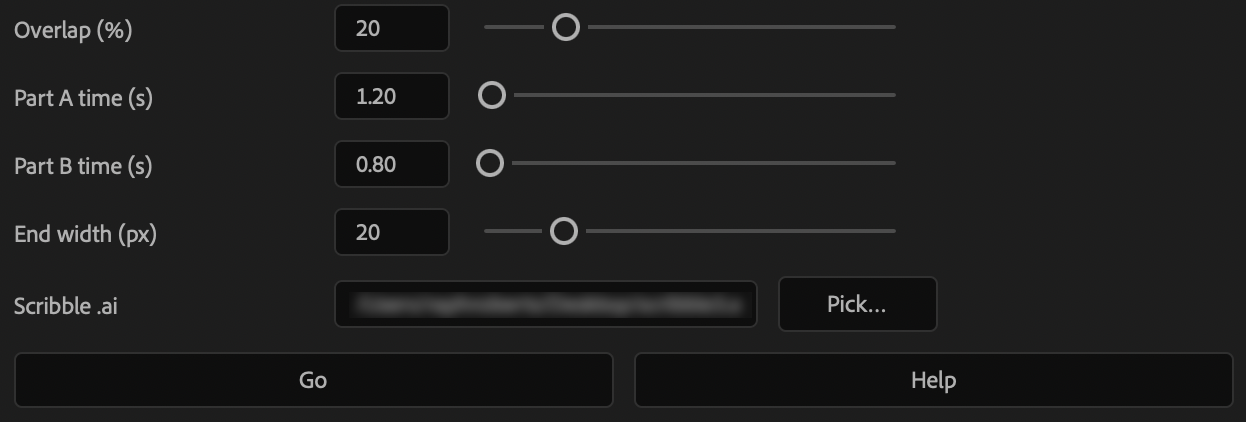
- The "SmartDrawScribbleCombo" plugin uses a scribble.ai file (included) - you will need to point to this file when you first use the plugin (or you can create your own scribble.ai file - it's literally just an illustrator file with a big scribble on it)
Below is the explanation of each plugin.
SmartDrawScribbleCombo_v6.jsx
This plugin mimics drawing of a vector design. If a shape layer is used, the animation is split into two parts - first the 'strokes' are drawn (partA), then the 'fills' are scribbled in(partB) like so:
If a regular layer is used (jpg, mp4) then only the scribble effect (partB) is applied.
outlined_text_character_reveal_v4.jsx
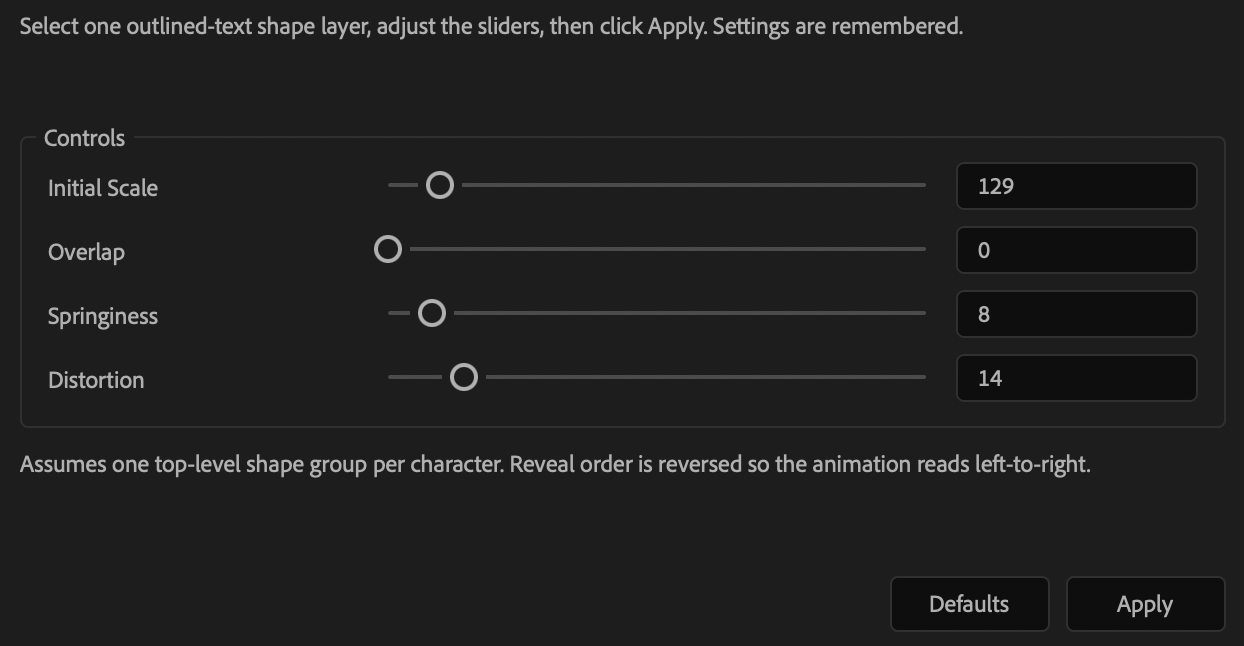
This plugin processes the individual components of a layer so that each falls into place with some dynamic animation, like so:
I originally built this plugin to handle text characters (hence the name) but I use it for all sorts of shape layers.
ScribbleSFX_Panel.jsx
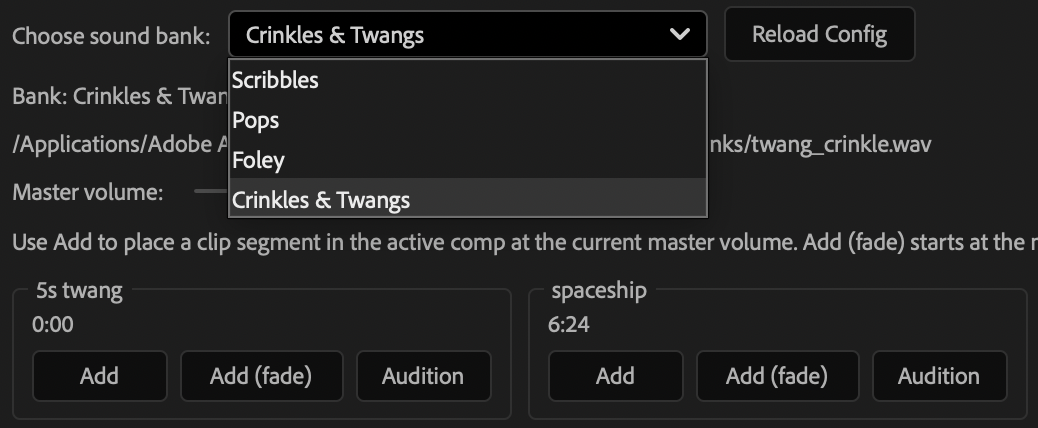
This plugin is a library of foley sounds that can be instantly added to a comp with the press of a button. 46 sounds are included (boings, twangs, pops, scribbles etc.) and the plugin can easily be extended by editing the config file.
That's it for the After Effects plugins. Below are some other tools I use.
Responsive iframe generator
Nothing fancy - just a quick generator for responsive iframes from a given width:height ratio.
Enter your URL and the original content width/height. It will generate responsive iframe code with inline styles, no border, and no scrollbars.
Frame and quote builder
A small web app that creates framed quotes and images for social media. Phone app here
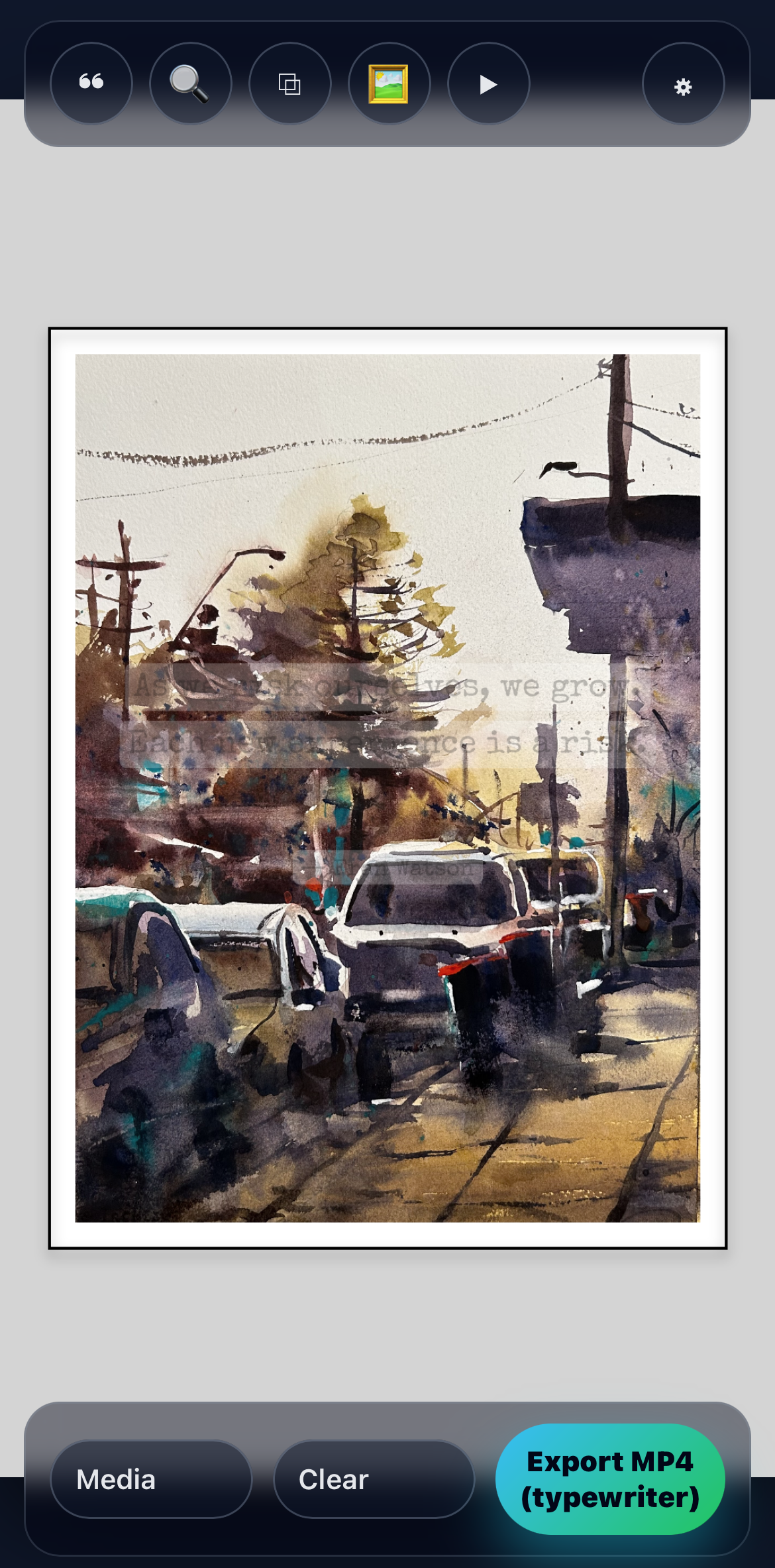
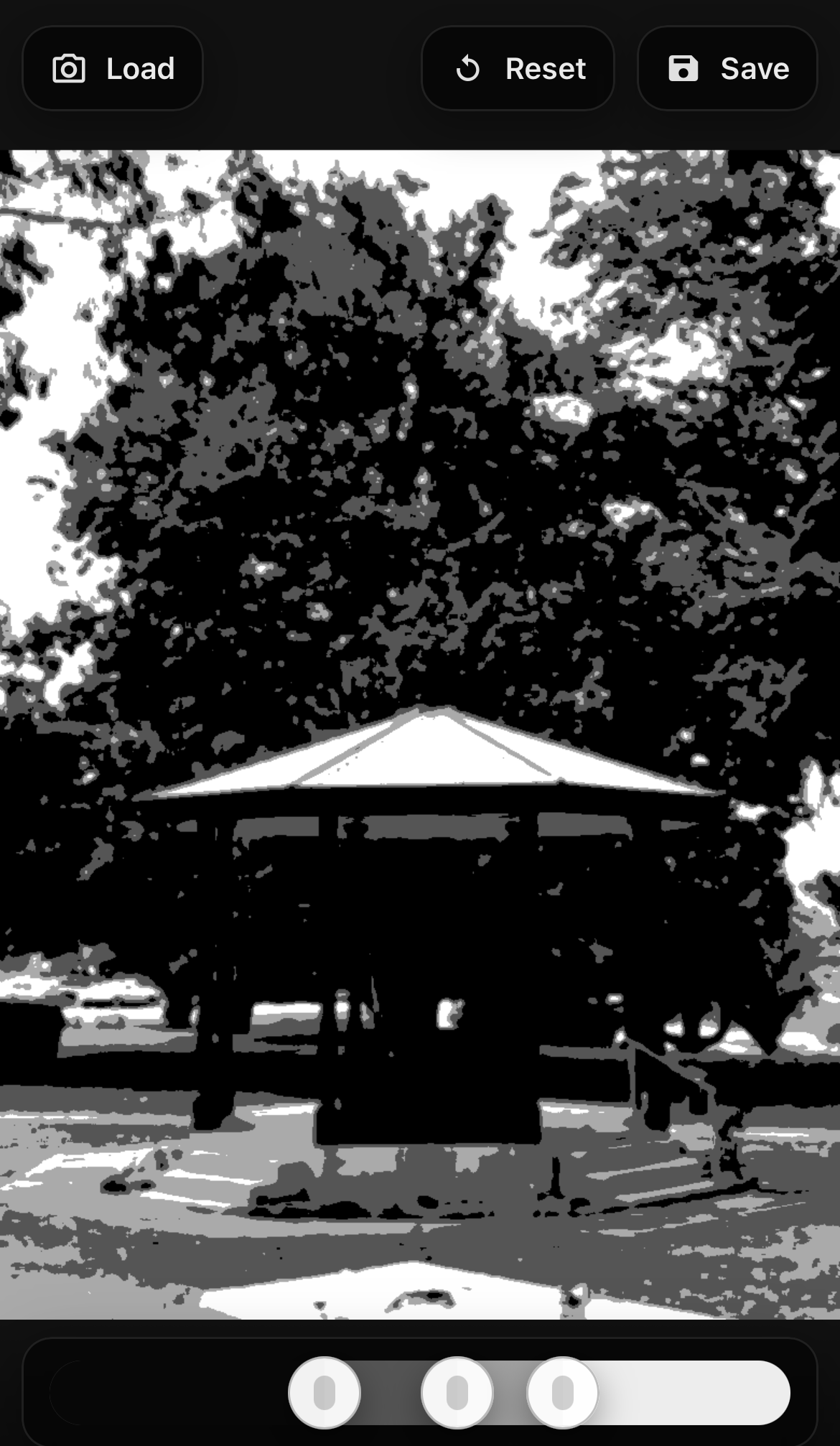
Photo-to-notan
A small app that allows a photo to be split into 4 tonal values. Useful for assessing the tonal balance of photos, and for design and art reference. Phone app here.